|
1
|
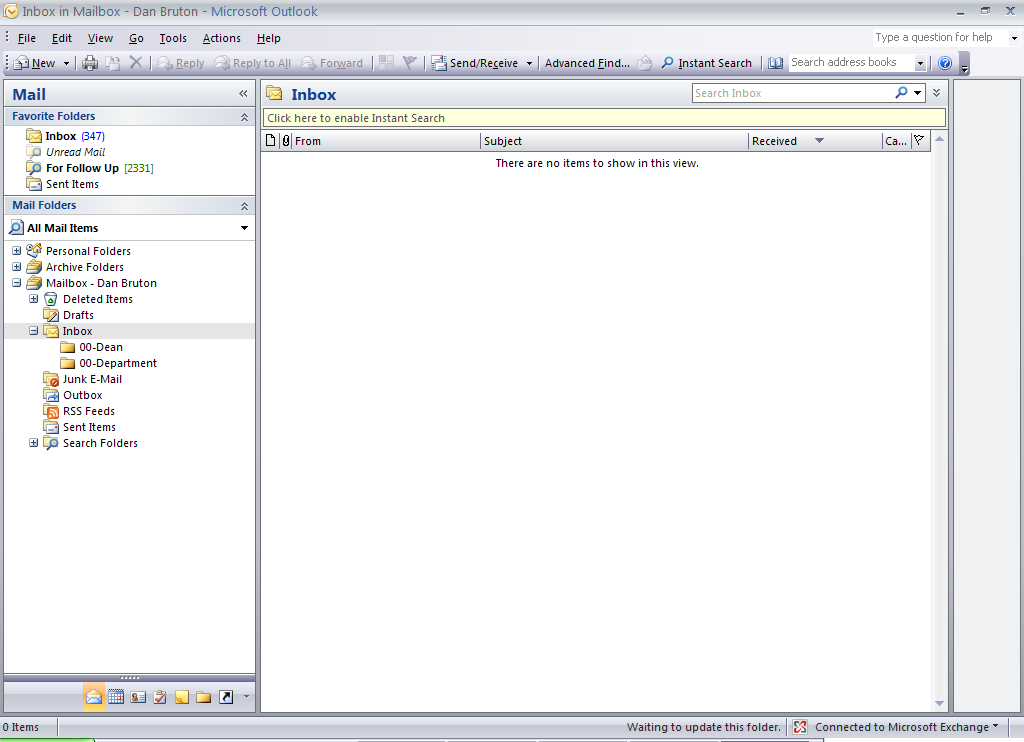
- Method 3: From Home using Outlook
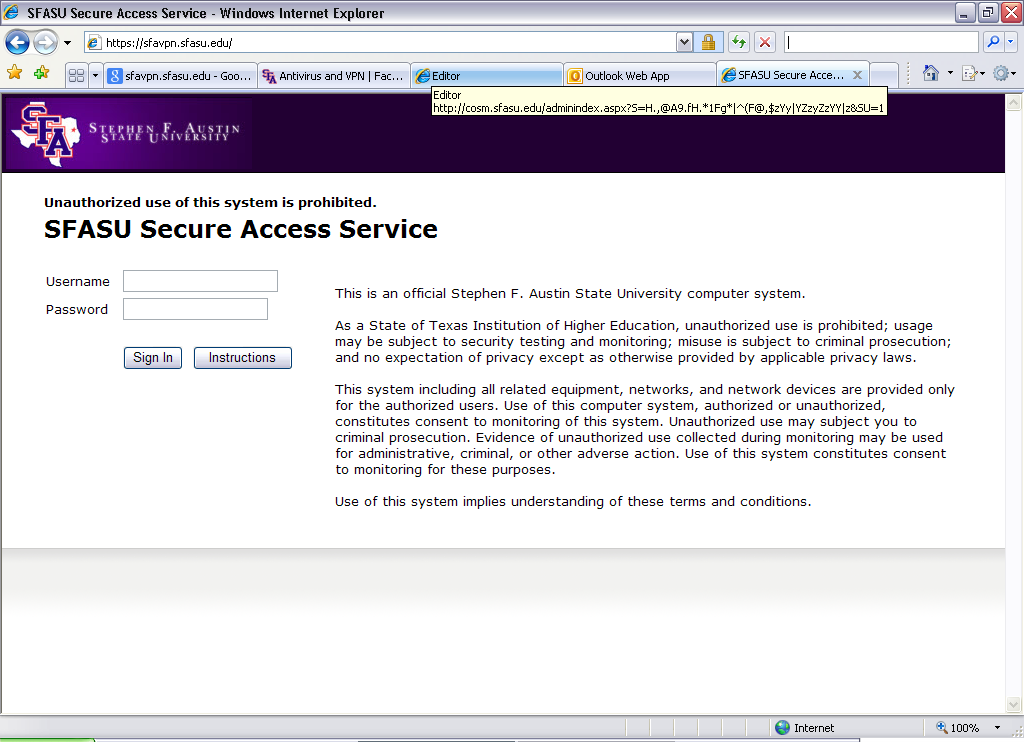
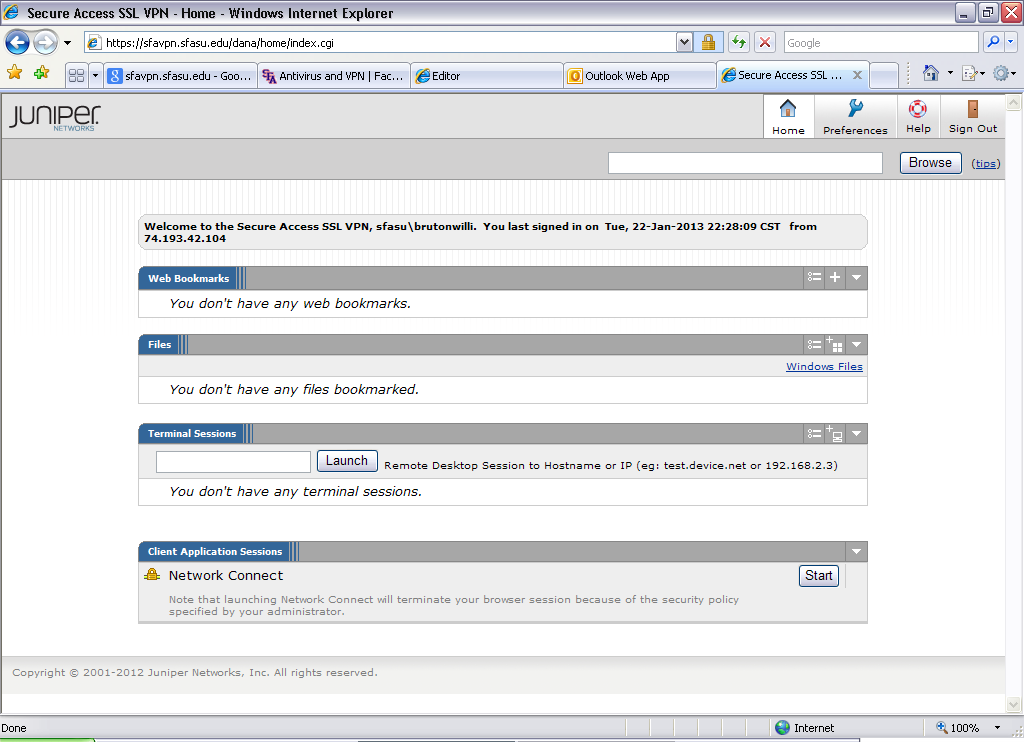
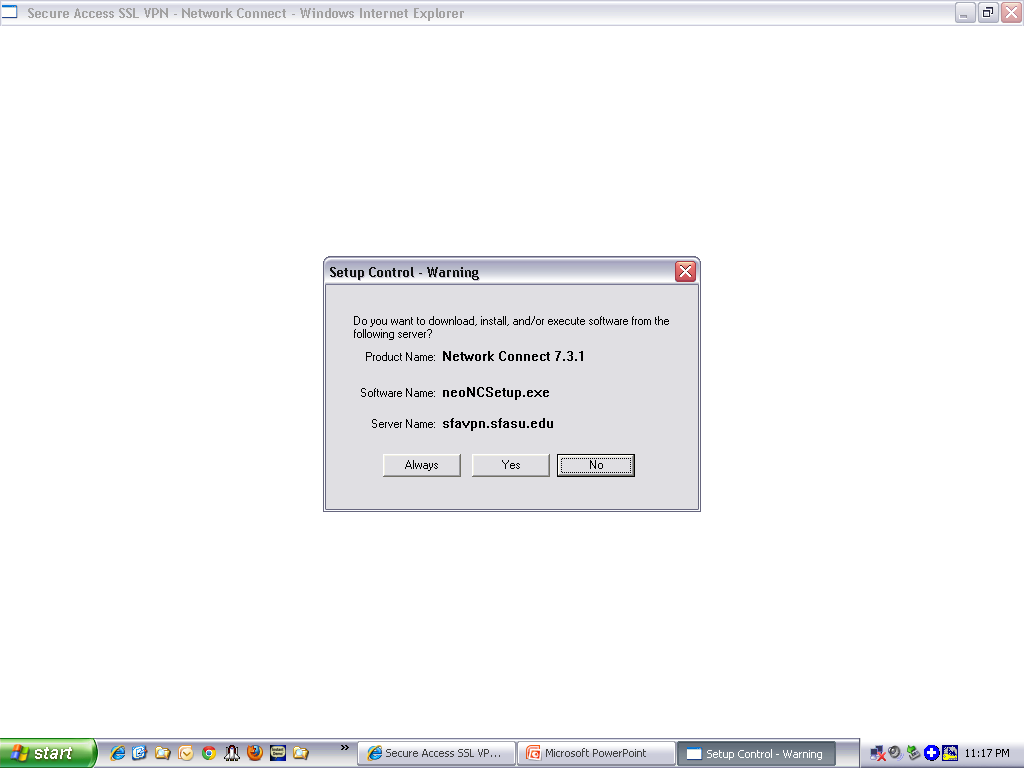
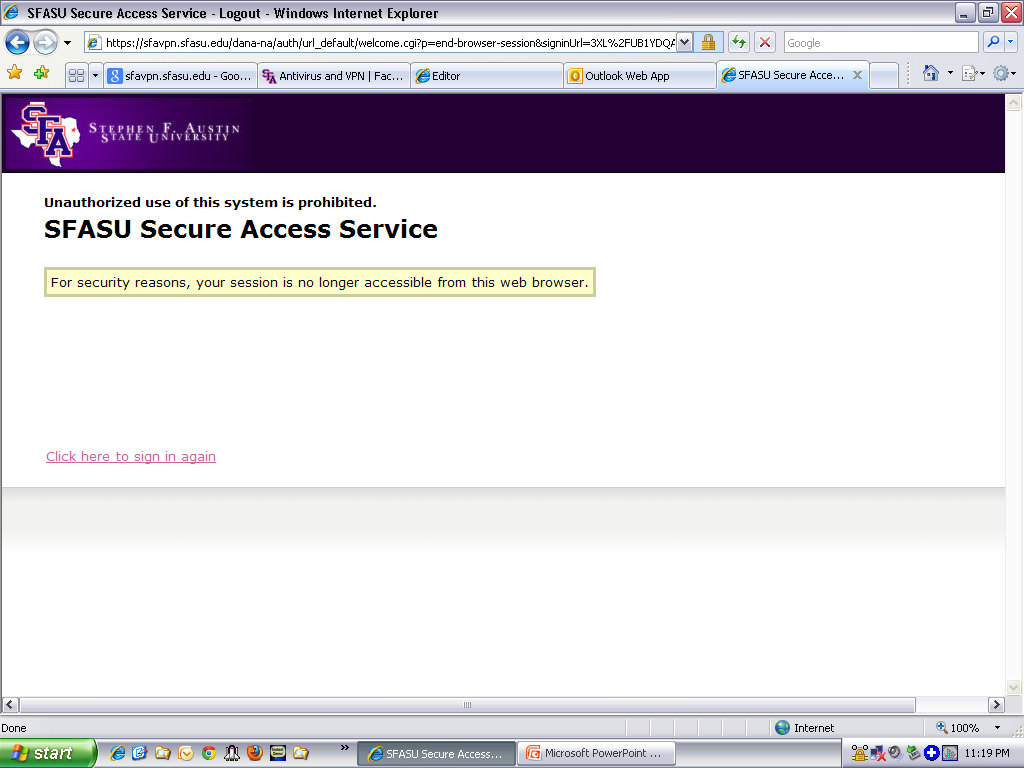
- 1. VPN: Go to https://sfavpn.sfasu.edu
- 2. Login with
your mySFA credentials
|
|
2
|
|
|
3
|
|
|
4
|
|
|
5
|
- 1. Close Microsoft Outlook
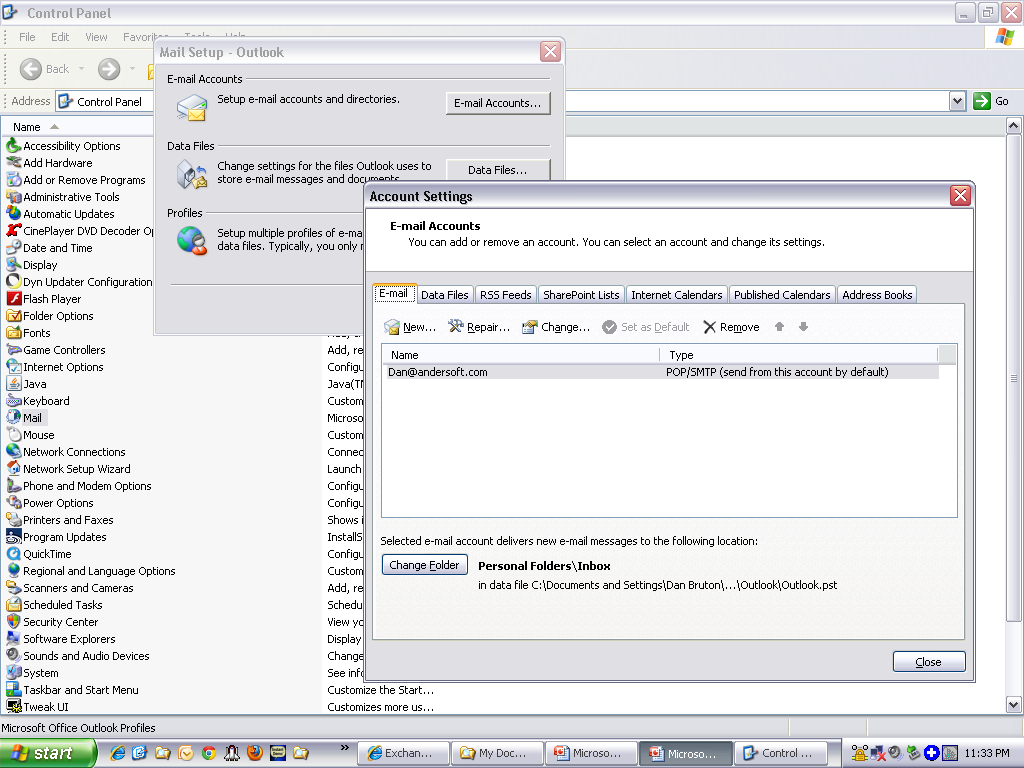
- 2. Go to Start -> Control Panels -> Mail -> New
|
|
6
|
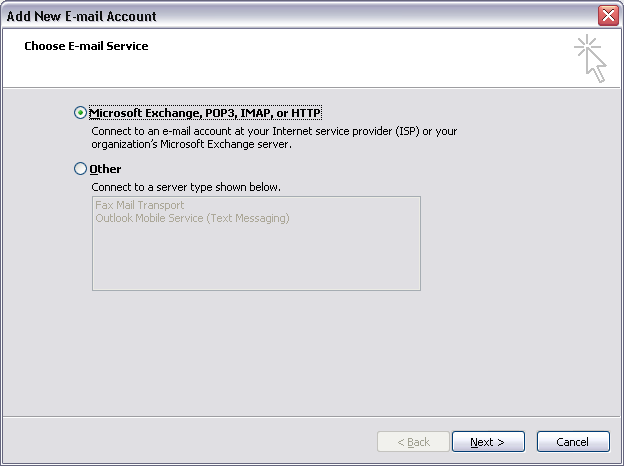
- 3. Radio Button: "Microsoft Exchange..."
-> Next
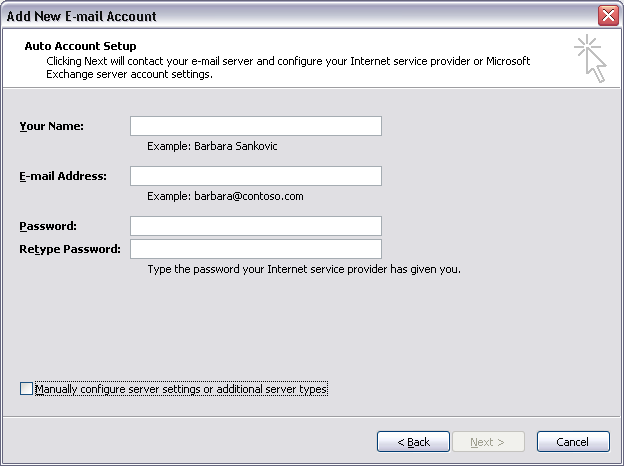
- 4. Checkbox: "Manually configure server settings
of additional server types"
|
|
7
|
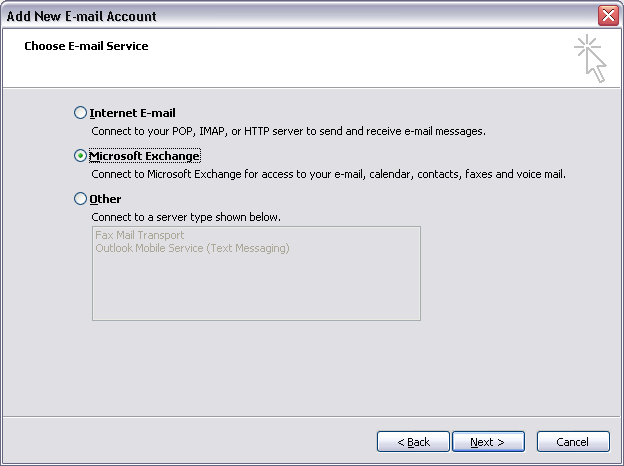
- 5. Radio Button: "Microsoft Exchange"
-> Next
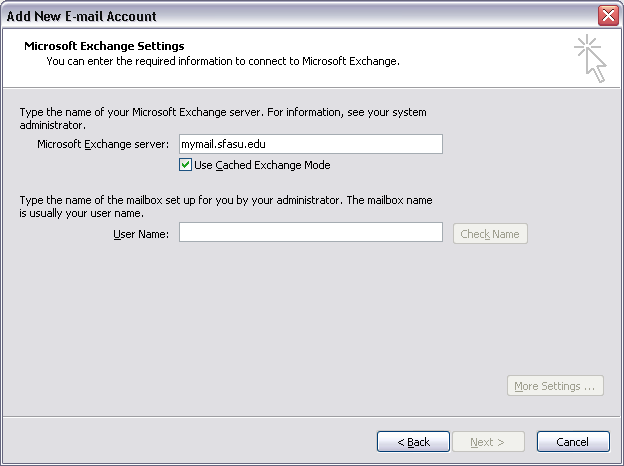
- 6. Microsoft Exchange Server: mymail.sfasu.edu
- 7. User Name: {Your mySFA username}
|
|
8
|
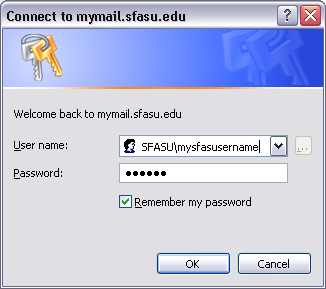
- 7. User Name: {Your
mySFA username}
- 8. Password: {Your
mySFA password}
|
|
9
|
|

 Notes
Notes